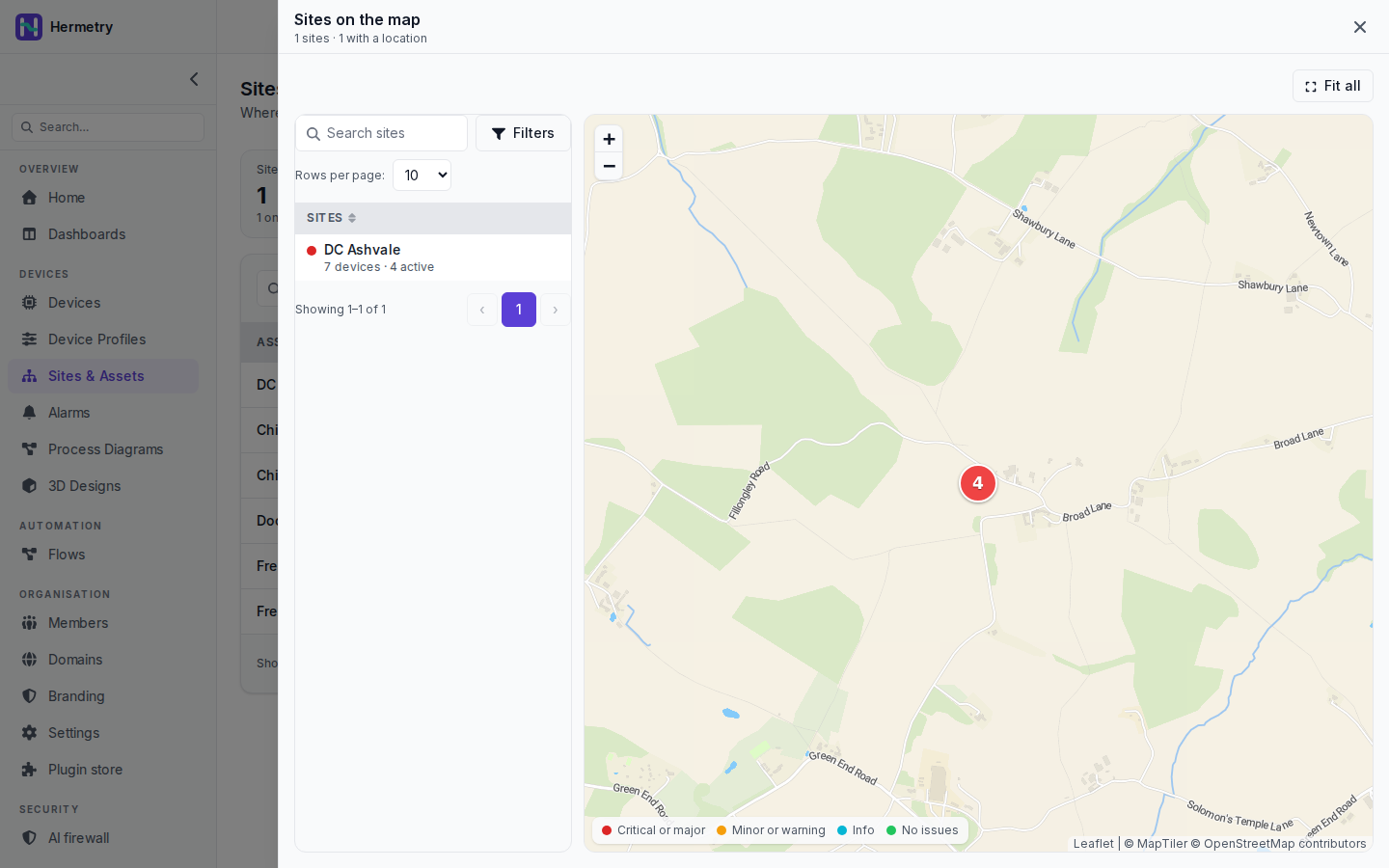
Last one from me this week. On Sites & Assets, Map opens “Sites on the map”. This workspace has a single site, DC Ashvale, so the panel says “1 sites · 1 with a location”.
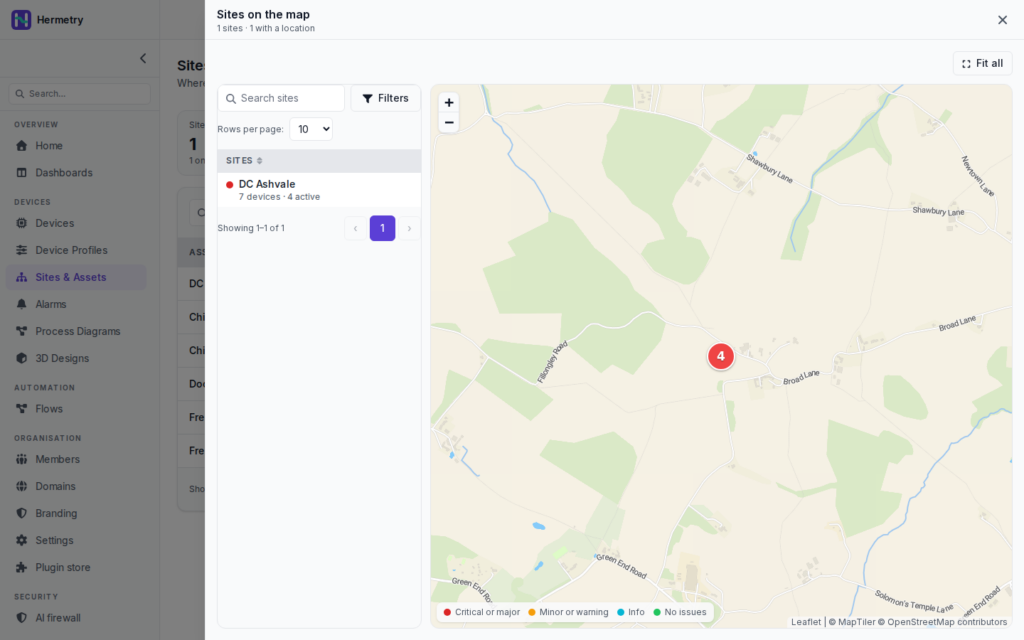
On the left is the site list with search, filters and rows per page. DC Ashvale has a red dot and “7 devices · 4 active”. On the right is the map with a red marker showing 4, zoom buttons and Fit all. The legend at the bottom: Critical or major, Minor or warning, Info, No issues.
The colour is the worst active alarm on the site, so red means at least one critical or major alarm is active (open or acknowledged) on a device placed on the site or below it. The device count includes devices placed on the site or on anything below it: a device on a room counts for its floor, its building and its site.
A site only appears on the map when it has a latitude and longitude. One without is listed as No location. Asset hierarchy covers the page, Placing devices the placement.