


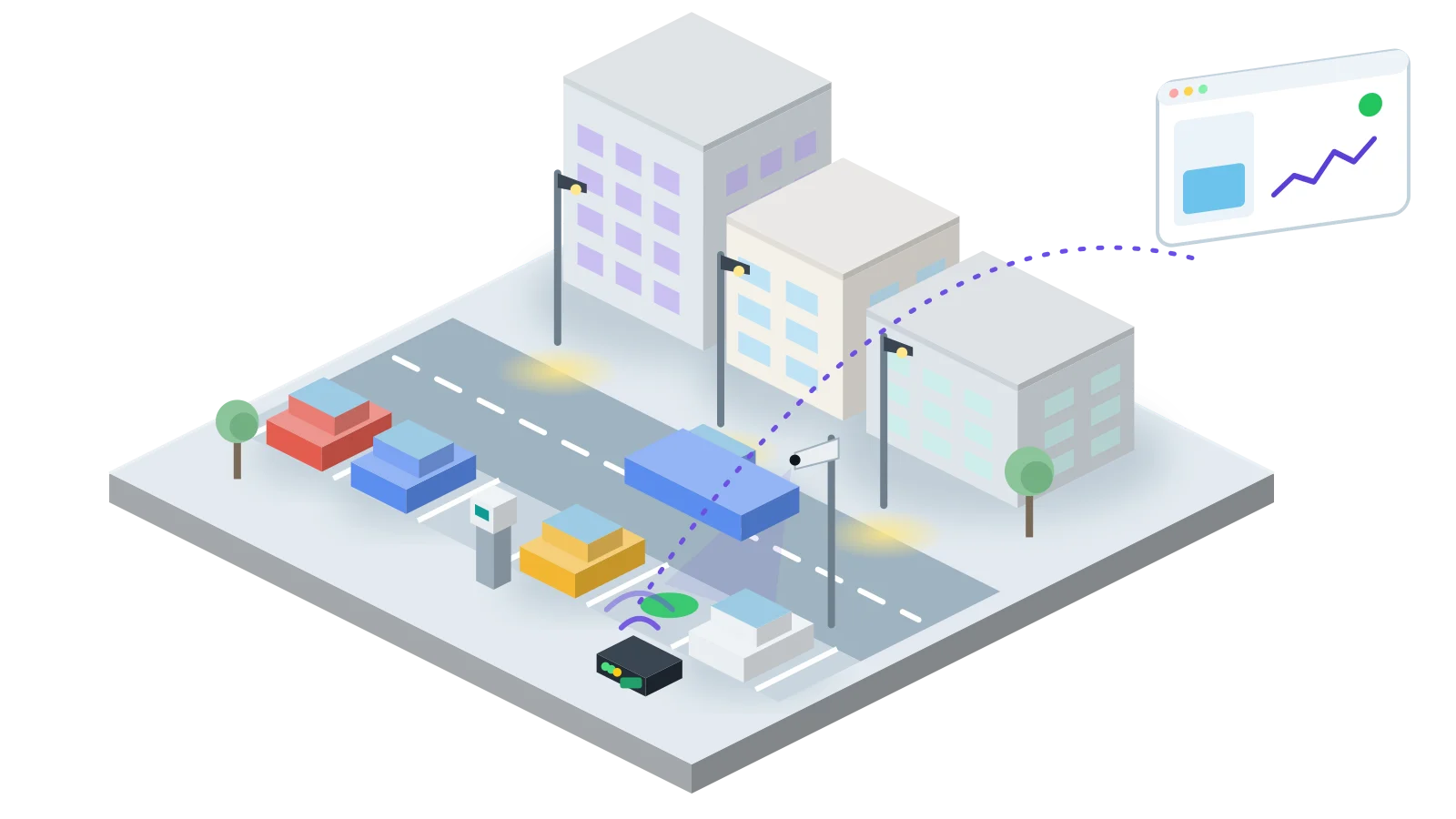
Without data vs with Hermetry
A camera loses power at 02:10 on Saturday. When does anyone know?
The same weekend on one city square, twice: once with nobody watching the cameras, once with Hermetry watching them.
Without data
until someone knows
31 h 20 min
The gap is found when someone asks for the recording.
Sat 02:10
The power unit of Camera C7 fails
The camera goes dark. The recorder stores nothing from it.
Sat 14:00
A busy afternoon on the square
Nobody looks at that camera’s tile.
Sun 09:00
An incident on the square is reported
The police ask for the recording.
Sun 09:30
The gap is found
Camera C7 has been dark for more than a day.
With Hermetry
to the first alarm
1 min
The gateway in the cabinet reads the supply fault contact and raises "Camera supply lost" after 60 seconds.
Sat 02:10
The power unit of Camera C7 fails
Its supply fault contact opens.
Sat 02:11
Major alarm: Camera supply lost
The supply has been lost for 60 seconds. This is what the camera maintainer sees:
- Camera supply lost Camera C7 · Major
- Cash box nearly full Meter 41 · Warning
- Cabinet door closed Cabinet K3
- Paper low Meter 12 · Warning
Sat 02:11
The camera maintainer gets a push
It repeats every 30 minutes until someone acknowledges it.
Sat 03:05
The power unit is replaced
Camera C7 is back online. The alarm resolves itself, and its history is kept.
At a glance
| Item | Typical answer |
|---|---|
| Problem | Parking meters stop taking payment, fill their cash boxes or run out of paper, and street cameras go dark or are turned away; each is found on the next round or after a complaint. |
| What is connected | The status of each on-street parking meter (fault, door, cash box, paper), the free count of streets with bay sensors, and each street camera with the supply and door of its cabinet. |
| Who uses it | Parking operations, the cash collection and meter maintenance crews, the camera maintainer and the city's operations room. |
| Typical first scope | One district: 30 to 60 meters, two or three streets with bay sensors and 10 to 20 cameras. |
| Time to first screen | Typically a few days for camera cabinets read by a gateway; meter status arrives once the meters or their back office post it. Allow four to six weeks before collection rounds are planned from the data. |
The situation
A city runs parking meters along its main streets, bay sensors on some of them, and cameras at junctions, squares and public buildings. Meters report to their supplier's back office and cameras record to their recorder. Neither tells the operations team when the street equipment itself fails.
So a meter with a jammed coin slot takes nothing all afternoon. A cash box fills on Friday and the meter refuses coins all weekend, while collection rounds visit full and empty meters alike. A camera's power unit fails or the camera is knocked out of view, and the gap is found when someone needs the recording.
This blueprint puts meter status, street counts and camera health on one map, with alarms to the crew that fixes each. Car parks and bay-level occupancy are covered in the parking occupancy blueprint; this page uses its street counts and adds the rest of the kerbside equipment.
What gets connected
Meter keys depend on what the meter or its back office can send; map each make to the same keys. Intervals are starting values.
| Point | Telemetry key | Unit | Source | Interval | Notes |
|---|---|---|---|---|---|
| Meter in service | meter_ok | bool | Meter status, posted by the meter or its back office | on change + heartbeat | |
| Meter fault | meter_fault | code | Same | on change | 0 none; other codes mapped per make. |
| Cash box fill | cash_fill_pct | % | Meter, where it reports a fill level | on change | Some makes report only a full flag. |
| Paper low | paper_low | bool | Meter | on change | Meters that print tickets. |
| Meter door open | meter_door_open | 0/1 | Meter | on change | |
| Free bays on the street | free_count | count | Counter device of the street segment | every 5 min + on change | From the parking occupancy blueprint. |
| Street occupancy | occupancy_pct | % | Same | every 5 min + on change | |
| Camera online | device state | SNMP polls through Hermetry Edge | 60 s | Where the camera answers SNMP. | |
| Camera tamper | cam_tamper | bool | Camera alarm output on a gateway input | on change | Where the camera offers one. |
| Camera supply | cam_power_ok | bool | Supply fault contact of the camera power unit | on change | |
| Cabinet door open | door_open | bool | Reed contact | on change |
How it is set up
- Meters: a meter that can post its status over HTTP or MQTT over TLS sends it straight to Hermetry, one device per meter with its own credentials. Where only the supplier's back office has the status, it sends events to a webhook, and a flow saves them as telemetry of each meter device.
- Bays: kerbside bay sensors join over LoRaWAN through Hermetry's own network server, with LoRaWAN gateways on lamp posts or roofs, as the parking occupancy blueprint describes. Its counter devices give each street segment's free count.
- Cameras: a 4G gateway or an industrial gateway with Hermetry Edge in each camera cabinet reads the supply fault, door and the camera's tamper output on its inputs. Through Edge's encrypted connection Hermetry polls the camera over SNMP where it answers, with no public address or port forwarding. RTSP cameras can also be added as camera devices for a live view; it starts only when someone opens it.
| Component | Role | Notes |
|---|---|---|
| Parking meter | Status, fault, cash box and paper | Over HTTP or MQTT, or from its back office through a webhook and a flow. |
| Bay sensor | Occupied or free | Battery LoRaWAN device, decoded by a library codec or your own. |
| LoRaWAN gateway | Hears the bay sensors | Its own health is stored as telemetry. |
| Gateway in the camera cabinet | Reads cabinet contacts and reaches the camera | One per cabinet; buffers readings while the link is down. |
| Street camera | Records to its own recorder | Live view in Hermetry over RTSP, optional. |
| Hermetry | Storage, alarms, maps, boards | EU, US or Türkiye region, or on your own servers with the Enterprise plan. |
Normalising meter data. Meter makes name their states differently. A small script in the profile's root flow, or in the flow that receives the back office's events, maps each to meter_fault, cash_fill_pct and paper_low. Use the Recent message online rule with the meter's heartbeat, so a meter that stops reporting turns offline.
Cameras in the asset tree. Place each camera under its cabinet, so the cabinet page shows the camera, its supply and its alarms together. SNMP devices use Last seen only and are shown offline after several failed polls in a row.
Alarms
| Alarm | Condition | Delay and hysteresis | Severity | Notified | Escalation |
|---|---|---|---|---|---|
| Meter out of service | meter_fault > 0 | Debounce 2 readings | Minor | Meter maintenance crew for the district, push | Reminder every 2 h |
| Cash box nearly full | cash_fill_pct > 85 | Debounce 1 reading; hysteresis 10 % | Warning | Cash collection, e-mail | None |
| Paper low | paper_low == true | Debounce 1 reading | Warning | Meter maintenance crew, e-mail | None |
| Meter door open outside rounds | Rules card on the district: meter_door_open = 1, only if between 19:00 and 07:00 | Stays so for 2 min | Major (raised by the rule) | Parking operations on duty, SMS | Reminder every 15 min |
| Meter silent | Inactivity rule on the meter profile | 2 to 3 heartbeats | Warning | Meter maintenance crew, e-mail | None |
| Street nearly full | Rules card: occupancy_pct rises above 95 | Stays so for 10 min | Info (notify only) | Parking operations, push | None |
| Camera offline | Inactivity rule on the camera profile, no poll result for 5 min | Major | Camera maintainer, push | Reminder every 30 min | |
| Camera tamper | cam_tamper == true | Debounce 1 reading | Major | Operations room and camera maintainer, push and SMS | Reminder every 15 min |
| Camera supply lost | cam_power_ok == false | Debounce 60 s | Major | Camera maintainer, push | Reminder every 30 min |
| Cabinet gateway offline | Inactivity rule, no message for 10 min | Major | Camera maintainer, push | Reminder every 30 min |
One cause, one page. A cabinet that loses mains takes its gateway and camera with it, so the cause shows as the gateway offline. Send cabinet and camera alarms to the same maintainer. Above 20 alarm notifications a minute, Hermetry collects the rest into a five-minute digest.
Rounds and repairs. Mute a meter while it is serviced or emptied; its alarms are recorded but nobody is paged, and the mute ends by itself. During a street market or roadworks, switch the district to Manual so its Rules cards stop and resume on their own. Limits and hours are starting values; take them from the collection contract and the parking order.
Dashboards and screens
| Board | Audience | Widgets and what they show |
|---|---|---|
| District map | Parking operations | Map of meters, streets and cameras coloured by status; stat cards for meters out of service, cash boxes above 85 % and cameras offline; alarm table. |
| Collection round | Cash collection | Table of meters sorted by cash box fill, filtered by district; bar chart of fill per meter; download as a spreadsheet for the round. |
| Meter page | Meter maintenance | State and fault code; paper and door; faults over 30 days. |
| Cameras | Camera maintainer, operations room | Device table of cameras with online state, last seen and supply; live camera card where fitted; tamper and offline alarms. |
Entity parameters let one Meter page serve every meter, opened from a map marker or a table row.
Few screens here need a process drawing. A district schematic with the parking meter, traffic camera and car park sign symbols of the city family can print each meter's state and fill, each street's free count, and colour each camera by online and tamper state. Keep camera boards for named users; do not put them on a public screen through a display link.
Rollout
| Phase | Weeks | Work | Exit criteria |
|---|---|---|---|
| 0. Survey | 1-2 | List meters by make and what each can send; list cameras, cabinets and their contacts; agree routing with collection and maintenance. | Point list per meter make and cabinet type. |
| 1. Pilot | 3-6 | Ten meters, five cameras and one street of bays; profiles, flows, alarms to one crew; District map. | States match a walk-round; every alarm tested in the street. |
| 2. District | 7-10 | All meters and cameras of the district; Collection round board; tamper and supply alarms to the maintainer. | Collection rounds planned from the board for two weeks. |
| 3. City | 11 on | Remaining districts in turn; signed webhooks to the maintenance system. | Every meter and camera reporting. |
Pitfalls
- Fault codes per make. Map them to one
meter_faultcode in the root flow, so one rule fits every meter. - A fill level guessed from a flag. Some meters only report full. Give them their own rule rather than a made-up percentage.
- Chasing the camera when the cabinet failed. Check the cabinet first; a camera offline with its gateway offline is usually lost power.
- Cameras open to the internet. Reach them through Edge's encrypted connection, never through port forwarding.
- Camera views on public screens. A display link acts with its creator's rights. Keep camera views to named users.
What Hermetry does not do
Hermetry measures and alarms; it does not take payments, issue tickets or penalty notices, read number plates or record video. Payments, permits and enforcement records stay in the parking systems, video stays in the recorder, and each camera keeps its own settings. Hermetry shows the state of the meters, bays and cameras and tells the right crew when one fails.