


Without data vs with Hermetry
A depot charger stops at 01:10. Who knows before pull-out?
The same night in one bus depot, twice: once with nobody watching the chargers, once with Hermetry watching them.
Without data
until someone knows
4 h 20 min
The first sign is a driver reading the state of charge at pull-out.
01:10
Charger 7 stops without a fault code
Bus 214 stays plugged in, but no energy flows.
02:30
The depot is quiet
The charger display shows idle. Nobody walks the charging lanes at night.
05:30
The driver checks the bus
The battery is far below what the first run needs.
05:50
The run is covered by a spare bus
If there is one. Otherwise the first trip is cancelled.
With Hermetry
to the first alarm
30 min
A Rules card on the depot raises "Charger idle in the charging window" when a charger stays below 1 kW for 30 minutes between 23:00 and 04:00.
01:10
Charger 7 stops without a fault code
Its power falls to zero.
01:40
Minor alarm: Charger idle in the charging window
Charger 7 has stayed below 1 kW for 30 minutes. This is what the depot shift lead sees:
- Charger idle in the charging window Charger 7 · Minor
- Charging finished Charger 3
- Bus 118 plugged in Charger 12
- Feeder 2 back in service Depot switch room
01:41
The depot shift lead gets a push
It repeats every 30 minutes until someone acknowledges it.
01:55
Bus 214 is moved to a free charger
It is full by 05:00. The shift lead acknowledges with a note and mutes Charger 7 until it is checked; the alarm and its history are kept.
At a glance
| Item | Typical answer |
|---|---|
| Problem | The control room sees vehicles in its fleet system, but stop displays, shelter power and depot chargers fail quietly, and a bus that did not charge overnight is found at pull-out. |
| What is connected | A few states from each tram and bus, the displays, lighting and power at stops, and the chargers, feeders and main meter of the depot. |
| Who uses it | The transport control room, the depot shift lead, stop maintenance crews and the energy manager. |
| Typical first scope | One depot with its chargers, one route with 20 to 40 stops, and the vehicles that serve it. |
| Time to first screen | Typically a few days for chargers and stops read by a gateway, and about the same for vehicles whose on-board unit already posts MQTT or HTTP. Allow four to eight weeks before the depot relies on the overnight charging alarms. |
The situation
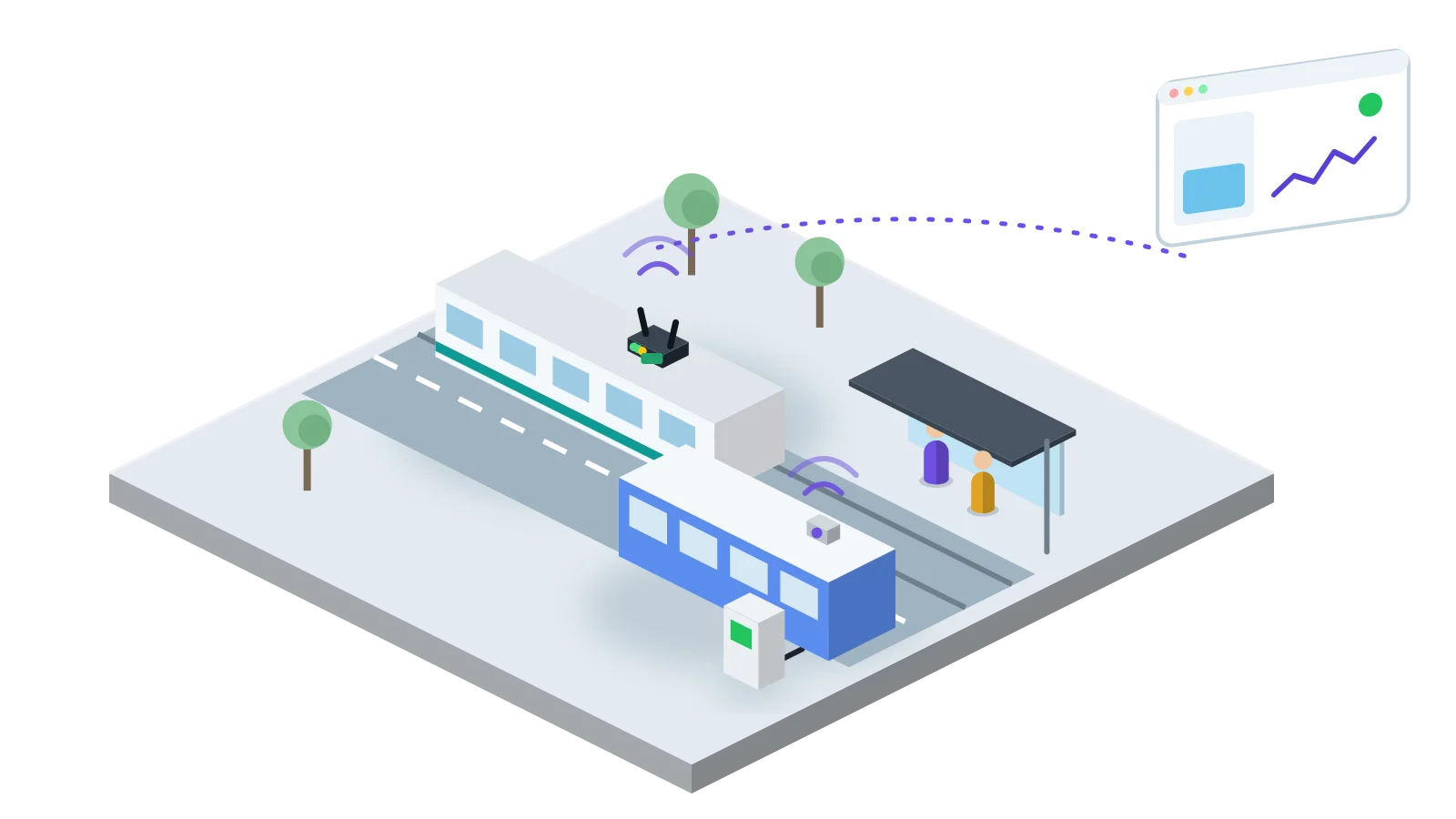
A city operator runs trams and buses from one or two depots. Each vehicle has an on-board unit that feeds the operator's fleet and passenger information systems. Around the vehicles sits equipment that nobody watches as closely: displays and lighting at stops, the cabinets that power them and, in an electric fleet, the depot chargers, their feeders and the depot supply.
Failures there are found late. A stop display goes blank and passengers report it days later. A charger stops at 01:00, the bus parked at it is not charged, and the depot learns this at 05:30 when the driver sees the state of charge. Charging energy is read once a month from the utility bill, so nobody can say which chargers carry the load.
This blueprint puts the stop equipment and the depot on Hermetry, takes a small set of states from each vehicle, and raises alarms while there is still time to act. The fleet management and passenger information systems keep their own jobs.
What gets connected
A starting set of keys. Vehicle keys depend on what the on-board unit can share; intervals are starting values.
| Point | Telemetry key | Unit | Source | Interval | Notes |
|---|---|---|---|---|---|
| Vehicle position | lat, lng | ° | On-board unit or cellular tracker | 30 s in service, else heartbeat | Shown on the network map. |
| In service | in_service | 0/1 | On-board unit | on change | Rules use it to leave parked vehicles alone. |
| Saloon temperature | saloon_temp_c | °C | On-board unit, or a sensor on an on-board gateway | 60 s | Shows a failed air conditioning unit. |
| Traction battery charge | soc_pct | % | On-board unit of an electric bus | 60 s | Only where the unit shares it. |
| Stop mains present | stop_mains_ok | bool | Phase relay on a gateway input | on change | Needs a backup supply for the gateway. |
| Display fault | display_fault | bool | Display fault contact | on change | Where the display offers one. |
| Shelter lighting on | shelter_light_on | 0/1 | Lighting contactor auxiliary contact | on change | Checked against night time. |
| Charger state | charger_state | code | Charger status contacts, or Modbus where offered | on change + 60 s | 0 idle, 1 charging, 2 fault. |
| Charger power | charger_kw | kW | Energy meter per charger, Modbus RTU | 60 s | |
| Charger feeder tripped | feeder_trip | bool | Breaker auxiliary contact | on change | |
| Depot energy | depot_kwh | kWh | Depot main meter, Modbus | 15 min | Energy per night from the increase. |
How it is set up
- Vehicles: the on-board unit posts position and states to Hermetry over MQTT over TLS or HTTP, with its own credentials. Where it cannot, a 4G gateway on board reads the few signals needed on its inputs. Each vehicle is one device, named after its fleet number.
- Stops: a 4G gateway in the stop cabinet reads mains, the display fault contact and the lighting contactor on its digital inputs and sends them over MQTT over TLS on one outbound connection.
- Depot: an industrial gateway running Hermetry Edge in the depot switch room reads the chargers and their energy meters over Modbus RTU or Modbus TCP, and the feeder breakers on its inputs. Each charger reports as a child device. A 4G router gives it a link where the depot network cannot.
| Component | Role | Notes |
|---|---|---|
| On-board unit or cellular tracker | Position and vehicle states | Read-only from Hermetry. |
| 4G gateway at the stop | Reads the stop cabinet contacts | Buffers readings while the link is down; capacity depends on the model. |
| Industrial gateway with Edge | Reads chargers, meters and breakers at the depot | Claimed into your organisation and placed on the depot. |
| 4G router | Link where there is no fixed line | Your own SIM and operator. |
| Hermetry | Storage, alarms, maps, boards | EU, US or Türkiye region, or on your own servers with the Enterprise plan. |
In the asset tree, place each depot as a site with its chargers beneath it, each route as an area with its stops, and each vehicle under the depot that runs it. A Rules card homed on a depot can then only name that depot's chargers, and a crew narrowed to one route sees only its stops.
Profiles and silence. Keep one profile each for vehicles, stop cabinets and depot chargers, because they need different rules and intervals. Gateways are claimed by scanning their code. Use the Recent message online rule with each profile's heartbeat, so a stop cabinet that misses its heartbeats turns offline and raises an inactivity alarm.
Charger states. Chargers of different makes report their state in their own words. A small script in the profile's root flow maps each to charger_state, and the energy of each night comes from the increase of the meter's counter.
Alarms
Vehicles report on movement and stops report on change, so conditions about time go in Rules cards, whose “stays so for” is a real timer. Device health stays in profile alarm rules.
| Alarm | Condition | Delay and hysteresis | Severity | Notified | Escalation |
|---|---|---|---|---|---|
| Charger fault | charger_state == 2 | Debounce 2 readings | Major | Depot shift lead, push and SMS | Reminder every 15 min until acknowledged |
| Charger idle in the charging window | Rules card on the depot: charger_kw below 1, only if between 23:00 and 04:00 | Stays so for 30 min | Minor (raised by the rule) | Depot shift lead, push | Reminder every 30 min |
| Charger feeder tripped | feeder_trip == true | Debounce 10 s | Critical | Depot shift lead and electrical on call, SMS | Reminder every 10 min |
| Stop power lost | stop_mains_ok == false | Debounce 60 s raise, 120 s clear | Major | Stop maintenance crew, push | Reminder every 60 min |
| Stop display fault | display_fault == true | Debounce 5 min | Minor | Stop maintenance crew, e-mail | None |
| Shelter lights off after dark | Rules card on the route: shelter_light_on = 0, only if it is night | Stays so for 20 min | Minor (raised by the rule) | Stop maintenance crew, e-mail | None |
| Saloon too hot | all: saloon_temp_c > 30, in_service == 1 | Debounce 10 min; hysteresis 2 °C | Warning | Control room, in-app | None |
| Vehicle silent in service | Rules card on the depot: a vehicle becomes inactive, only between 05:00 and 00:30 | Stays so for 10 min | Major (raised by the rule) | Control room, push | Reminder every 30 min |
| Gateway offline | Inactivity rule, no message for 15 min | Major | Control room, push | Reminder every 30 min |
Lifecycle. An alarm opens after its delay, is acknowledged by the person who takes it, with an optional note, and resolves by itself when its condition clears. One alarm per device and type stays open; repeats count as occurrences.
Planned idle chargers. Not every charger is needed every night. Switch a depot to Manual for a planned change, or mute a charger that is out of use; its alarms are recorded but nobody is paged, and the mute ends by itself.
Floods. A depot supply failure stops every charger at once. Keep the feeder trip as the one Critical alarm that explains them. Above 20 alarm notifications a minute, Hermetry collects the rest into a five-minute digest. Limits and hours are starting values; agree them with the depot and the control room.
Dashboards and screens
| Board | Audience | Widgets and what they show |
|---|---|---|
| Network map | Control room | Map of vehicles, stops and depots coloured by status; stat cards for vehicles in service, stops without power and chargers in fault; alarm table filtered to Major and Critical. |
| Depot | Depot shift lead | State card per charger; gauges for charger power; line chart of depot power through the night; table of chargers with state, energy tonight and open alarms. |
| Stops | Stop maintenance | Table of stops by route with mains, display and lighting state and last report; map of stops; alarm feed. |
| Energy | Energy manager | Bar chart of depot kWh per night; kWh per charger per week; tables downloaded as spreadsheets. |
Entity parameters let one Depot page serve every depot and one stop page serve every stop, opened from a map marker or a table row.
A SCADA drawing of the depot shows the supply, the feeders and each charger with the street charging post symbol of the city family, coloured by charger_state and printing charger_kw. A route schematic lines up the bus stop symbols with their state, and tram and bus symbols can carry a vehicle's state on the control room screen. A read-only display link puts the depot board on a wall screen.
Rollout
| Phase | Weeks | Work | Exit criteria |
|---|---|---|---|
| 0. Survey | 1-2 | List stops, cabinets, chargers and meters and the signals each offers; agree with the fleet team what the on-board unit shares. | Signed point list per stop type and charger type. |
| 1. Depot | 3-6 | Industrial gateway in the depot; chargers and feeders; Depot board; charging alarms to the shift lead only. | Two weeks of nights where every alarm matched a real idle or faulty charger. |
| 2. One route | 5-8 | 4G gateways in the stop cabinets of one route; that route's vehicles; network map. | Stop states match a walk of the route; vehicles silent only when truly out of service. |
| 3. Network | 9-24 | Remaining routes in turn; Energy board; signed webhooks to the maintenance system. | Every stop and charger reporting; stop faults reach the crew without a phone call. |
Pitfalls
- Alarms on parked vehicles. A bus in the depot overnight is silent by design. Use
in_serviceand time windows, not a bare inactivity rule. - Every idle charger as a fault. Some chargers are spare on some nights. Mute them or switch the depot to Manual rather than widening the rule.
- Charger states in many dialects. Map each make to one
charger_statecode in the root flow, so one rule fits every charger. - A gateway on the stop's own supply. When the stop loses mains, the gateway goes dark with it and the alarm is “Gateway offline”. Give the gateway a small backup supply, or read offline as power lost.
- Taking more than the vehicle shares. Read only what the on-board unit is meant to share, and agree it with the fleet supplier.
What Hermetry does not do
Hermetry measures and alarms; it does not drive, dispatch or control trams, buses or chargers. Vehicle control, tramway signalling and safety systems, fleet management, passenger information and ticketing stay in the operator's own systems, and chargers keep their own charging control and protection. Hermetry shows the state of the equipment around them and tells the right people when it fails.