New: the AI firewall watches the whole platform and explains each incident in plain words. See how it works

Two device profiles for a small cold store: one per kind of device

Two device profiles for a small cold store: one per kind of device

5 4

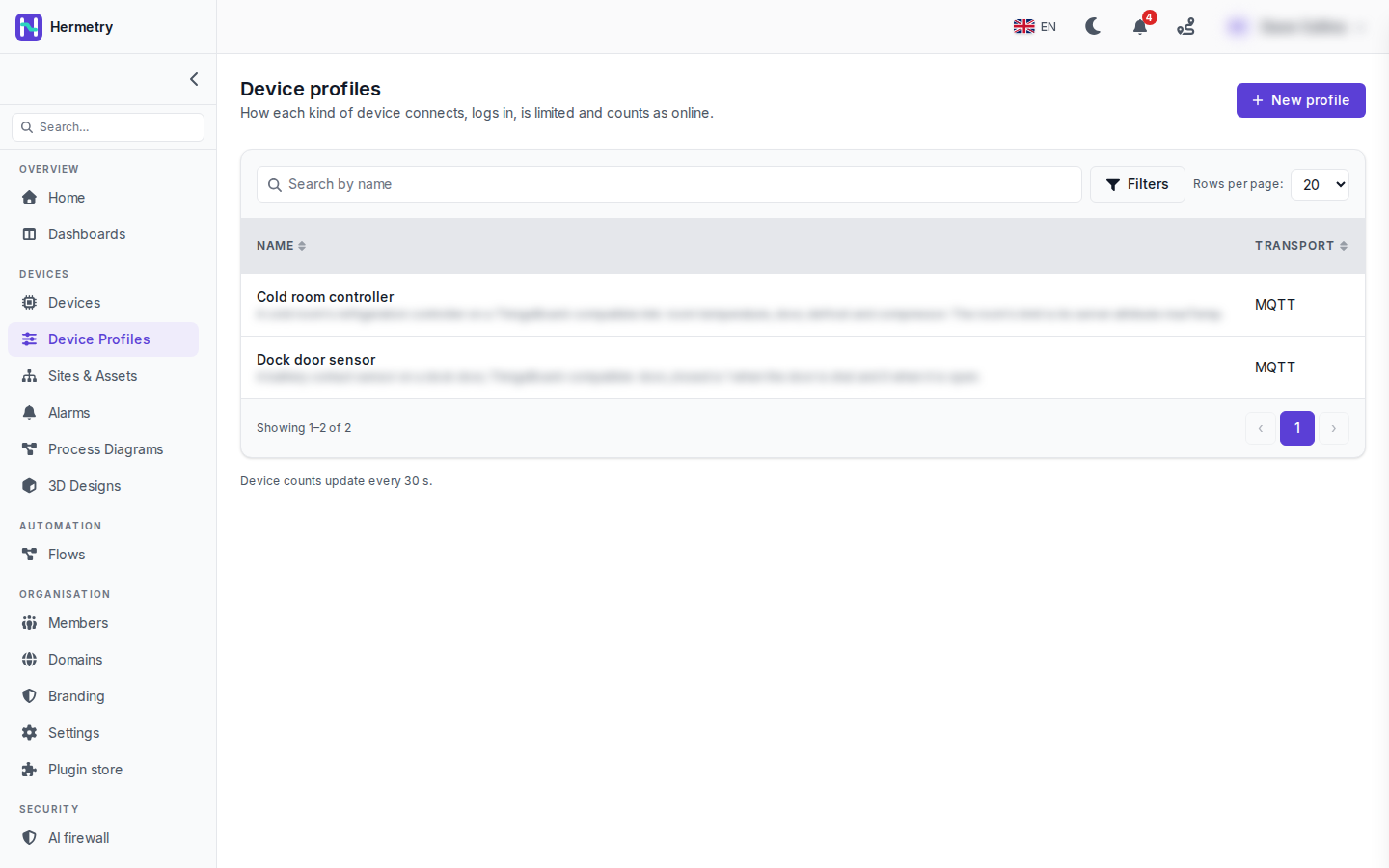
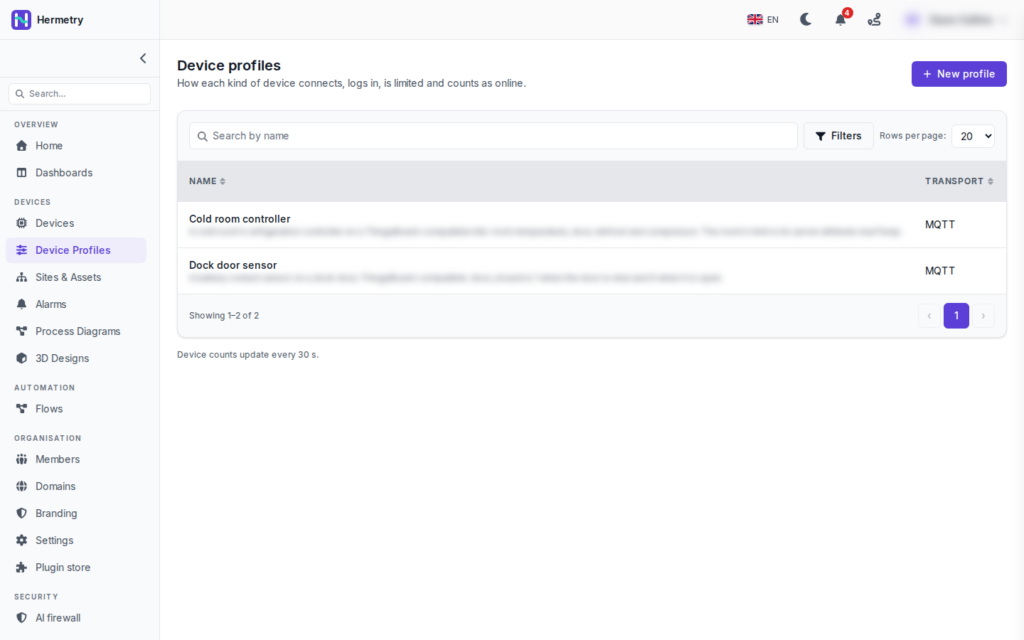
A small one. I set up a cold store example on one of our workspaces and kept the profiles to what the site has: Cold room controller and Dock door sensor, both MQTT. That’s the whole list.
Two device profiles for a small cold store: one per kind of device

The page title says what a profile is for: “How each kind of device connects, logs in, is limited and counts as online.” The descriptions under the names are blurred in the shot, the rest is as it is. There’s search by name, Filters, 20 rows per page, and a note at the bottom that device counts update every 30 s.

The rule I follow is one profile per kind of device, not per device. A door sensor and a room controller differ in what they send, which alarm rules apply and how you decide they’re online. Put them on one profile and you end up with alarm rules that only make sense for half the devices. Change a profile and every device on it follows.

Profiles a device, an alarm rule or a command still uses can’t be deleted, and built-in profiles can’t be deleted at all. More on the tabs in Device profiles.


♥ 0

We have 12 freezers with the same controller. One profile for all twelve then, not twelve?

♥ 0

One for all twelve. You’d only split them if some had a different firmware family or a different security need, for example a few old ones that can’t do TLS.

♥ 0

Can I copy the Cold room controller profile for a second site with tighter limits, without touching the first?

QoS 1 and a lot of patience.
♥ 0

Duplicate profile on the profile page. It copies every setting into “<name> (copy)”, provisioning starts off and no provisioning key is copied. Then change the limits on the copy and move the second site’s devices to it.

♥ 0

Worth filling in units and ranges on the Telemetry keys tab while you’re there. Since 2.3.0 a gauge takes its default scale from the range the profile declares, so our cold room gauges came out right without touching them.

♥ 0
Viewing 6 posts – 1 through 6 (of 6 total)
  • You must be logged in to reply to this topic.

Join the conversation

Sign in to ask and answer, like helpful posts and mark the reply that solved your problem. Every contribution earns points and levels.

Share