New: the AI firewall watches the whole platform and explains each incident in plain words. See how it works

The New dashboard dialog in 2.3.0, and what it says when shared boards run out

The New dashboard dialog in 2.3.0, and what it says when shared boards run out

5 4

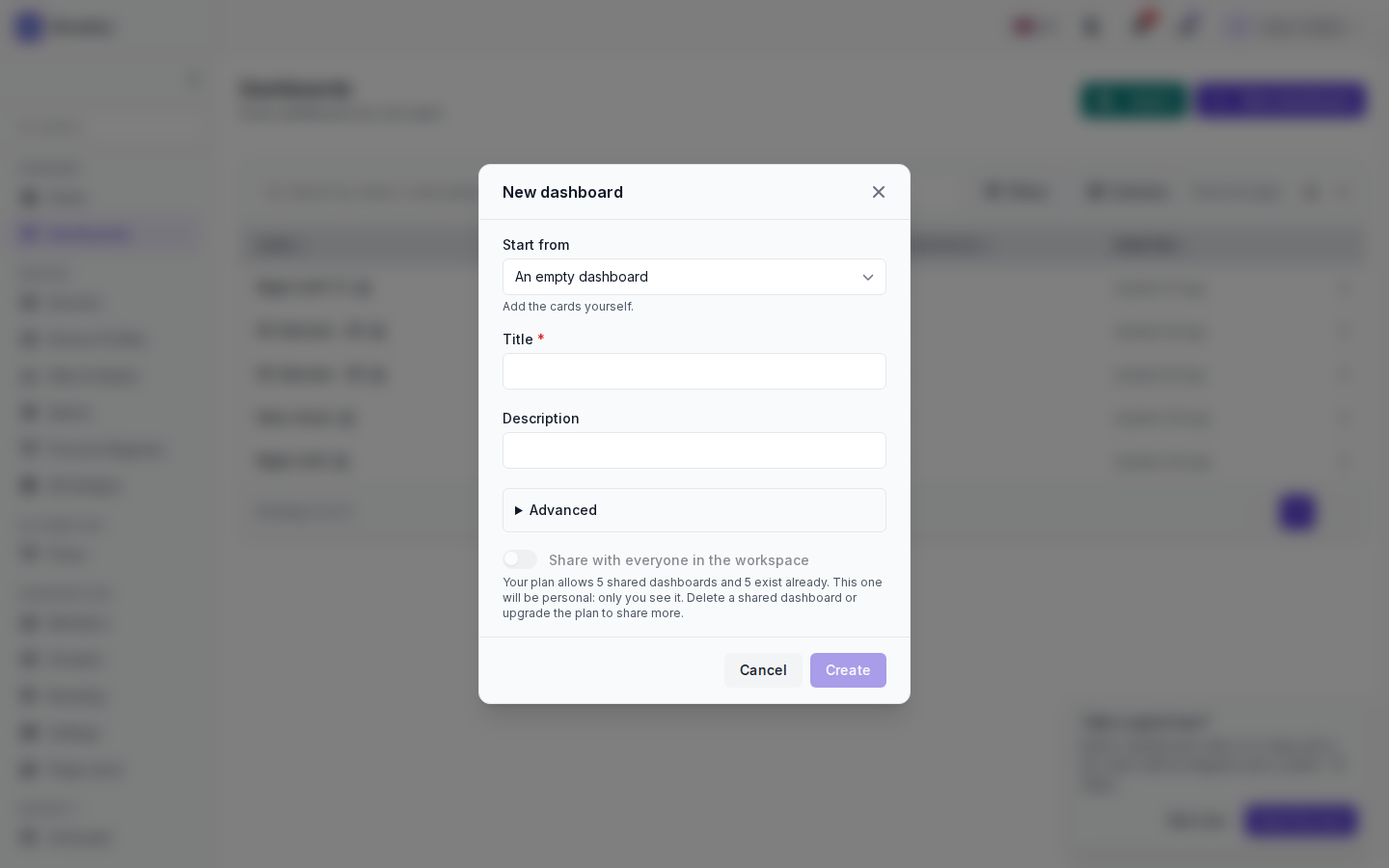
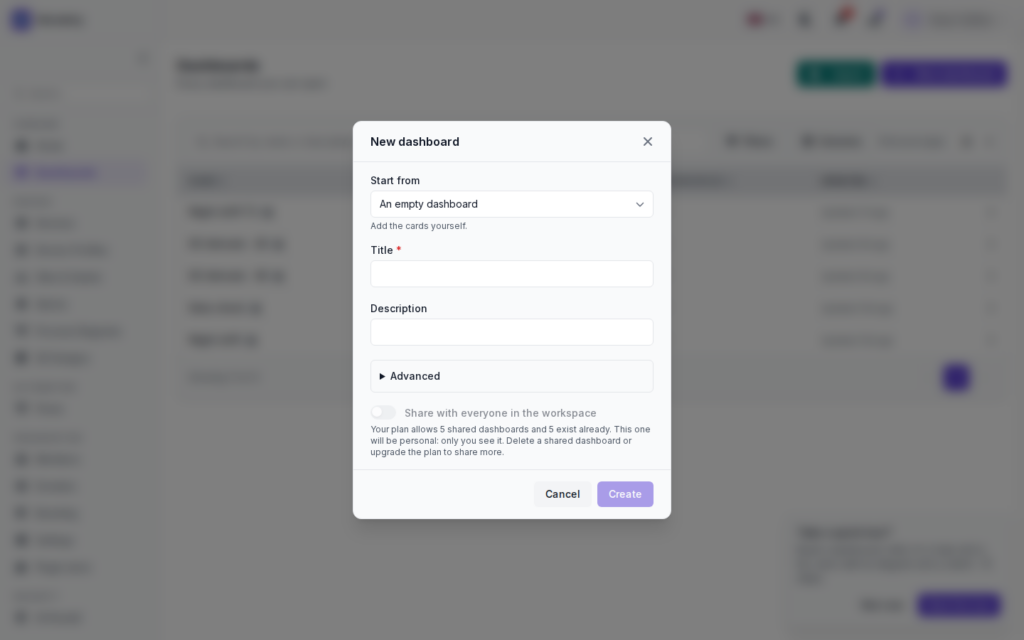
The New dashboard dialog changed a little in 2.3.0. Start from is now a searchable list with a short description of each starter. In the screenshot it is closed on An empty dashboard, described as “Add the cards yourself.”
The New dashboard dialog in 2.3.0, and what it says when shared boards run out

Below it are Title (required), Description, Advanced and the Share with everyone in the workspace switch. The workspace I took this on is at its limit, so the switch is off and greyed out, and the dialog says why: the plan allows 5 shared dashboards, 5 exist already, so this one will be personal. To share more, delete a shared dashboard or upgrade the plan. In the shot the title is still empty and Create is greyed out.

Under Advanced you can show the board in the menu of a workspace, or leave it standalone in the dashboards list. The rest is on Create and organise boards.


♥ 0

If a shared slot frees up later, can I share a board that came out personal because of the limit?

QoS 1 and a lot of patience.
♥ 0

Yes. Open the board, Settings, and under Who sees it choose Share with the workspace. It doesn’t go the other way: a shared board is not made personal again, you duplicate it instead.

♥ 0

So my 30-odd personal boards don’t eat into the 5?

Still waiting for the gateway to reconnect.
♥ 0

Right, personal boards don’t count. Only shared ones do.

♥ 0

The search in Start from is nice. Typed “alarm” and Devices and alarms came up.

♥ 0
Viewing 6 posts – 1 through 6 (of 6 total)
  • You must be logged in to reply to this topic.

Join the conversation

Sign in to ask and answer, like helpful posts and mark the reply that solved your problem. Every contribution earns points and levels.

Share