New: the AI firewall watches the whole platform and explains each incident in plain words. See how it works

A sites board for a small data centre demo: one site, Warning, four open alarms

A sites board for a small data centre demo: one site, Warning, four open alarms

6 4

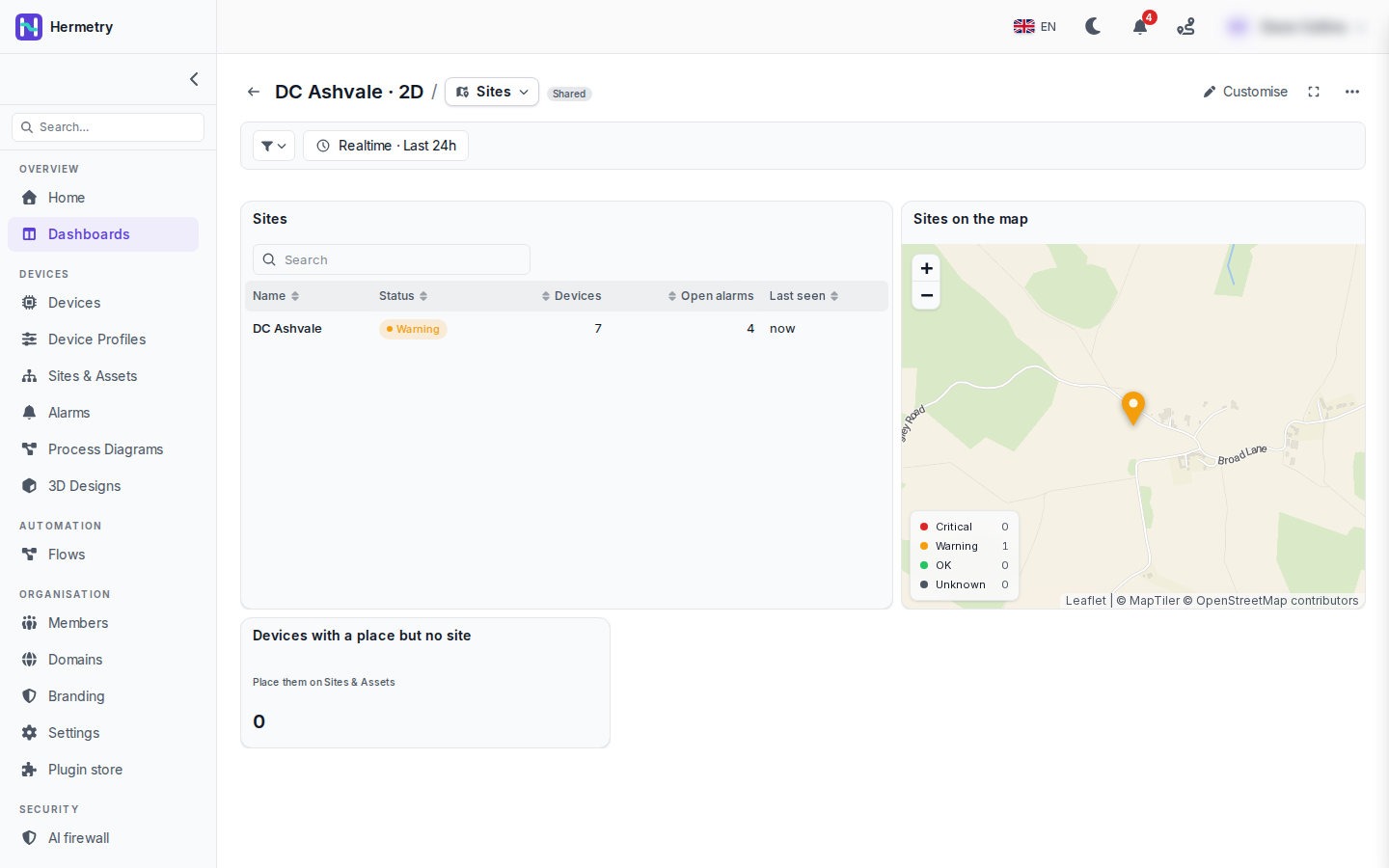
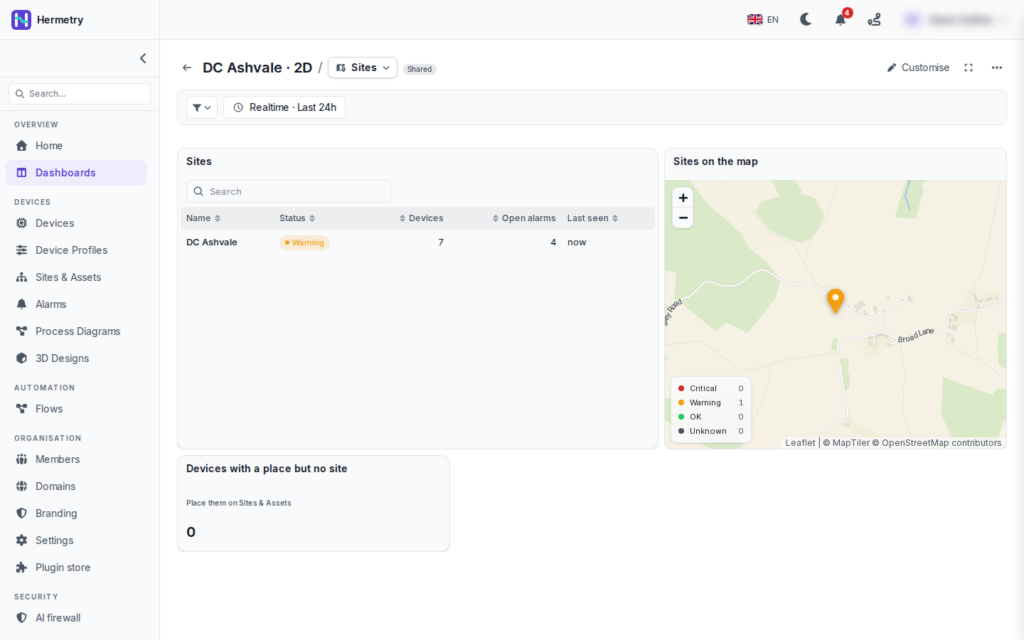
A small one. This is the Sites page of a board for a data centre demo called DC Ashvale, with the window on Realtime · Last 24h.
A sites board for a small data centre demo: one site, Warning, four open alarms

The Sites table has one row: DC Ashvale, Warning, 7 devices, 4 open alarms, last seen now. The map shows the site as an orange marker, and the legend counts sites per status (Critical 0, Warning 1, OK 0, Unknown 0). Under the table is a card that counts devices that have a place but no site and points to Sites & Assets. It says 0, which is what you want.

Four open alarms and still only Warning: an open alarm raises a site to at least Warning, and only a critical alarm or a device reporting a critical status makes it Critical. How the status is worked out is on Site status and the status key.


♥ 0

The “place but no site” card is handy. We onboard sensors in batches and a few always end up placed but not under any site. Where does it take you?

♥ 0

Its button goes to Sites & Assets, where you put those devices under the right site. Once they are under it, they count in the site’s devices and status and the card goes back to 0.

♥ 0

Odd one. A colleague sees our site green on the same board where I see it orange. Same board, same time.

♥ 0

Open alarms count only for people who may view alarms. If your colleague can’t, the open alarms don’t raise the site for them, and online devices make it OK. Give them permission to view alarms and they’ll see orange too.

♥ 0

Our devices send health, not status. Can the sites table read that?

♥ 0

Yes. In the card’s data settings, Status key of the devices takes another key, health in your case, with the same words: critical, warning, ok and so on.

♥ 0
Viewing 7 posts – 1 through 7 (of 7 total)
  • You must be logged in to reply to this topic.

Join the conversation

Sign in to ask and answer, like helpful posts and mark the reply that solved your problem. Every contribution earns points and levels.

Share