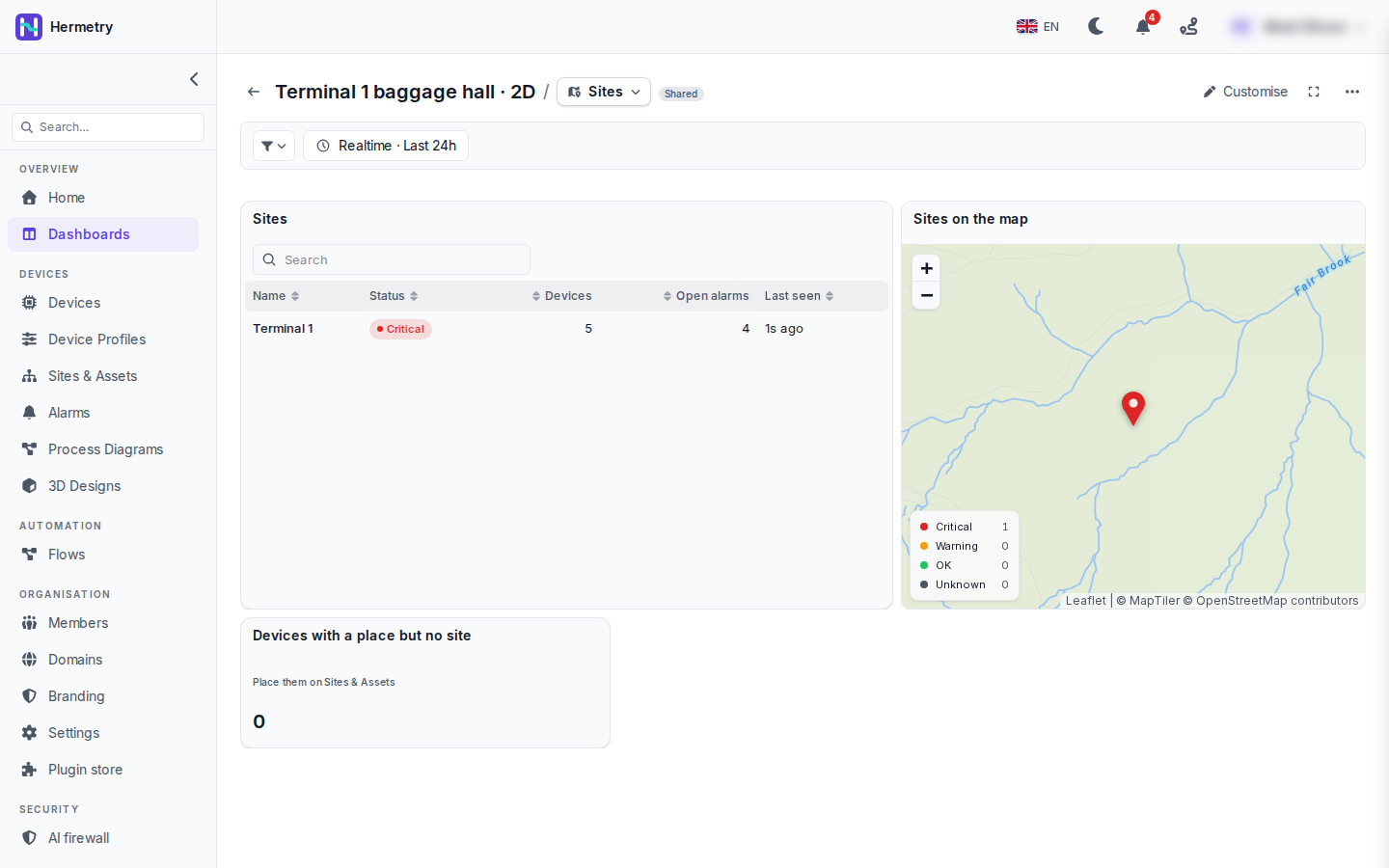
Since 2.2.1 you can pick Sites under Start from in New dashboard. Here it is on our baggage hall demo, Terminal 1.
Before it builds anything, the template asks Which sites? The choices are all sites, the sites of one type, or the sites under one parent. The answer becomes the board’s assets parameter. What you see is page 1: the sites table (name, status, devices, open alarms, last seen), the map with each site in its status colour and the legend, and the count of devices that have a place but no site.
Terminal 1 is Critical in this shot, with 5 devices, 4 open alarms, last seen 1s ago and a red marker. A click on the site opens page 2 with the site’s view, its devices’ live values and open alarms, and a trend for one device. Page 2 is not in the screenshot; it is described under Sites on Board templates and board files.